All your referrals on one page
Received, Sent, and Drafts now share one Referrals page, and each tab puts what needs you first.
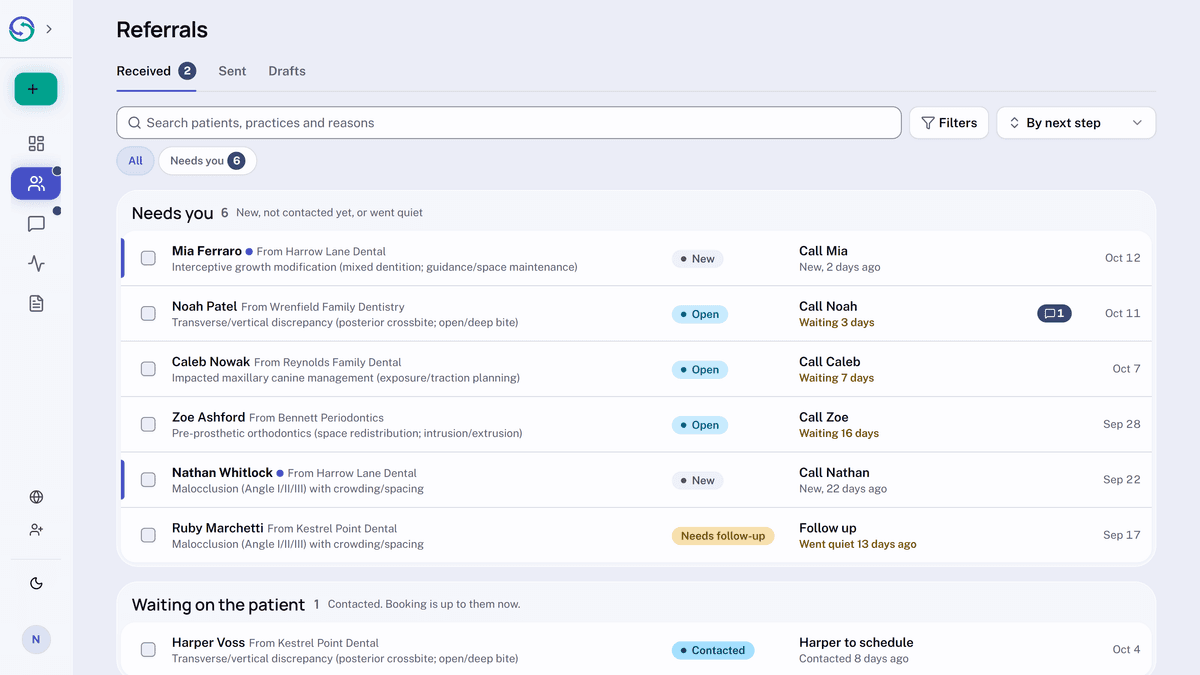
Each tab groups its referrals, with the ones waiting on you at the top. Search looks across patients, practices, and reasons.
Select several referrals to archive them at once. On Received, in a practice with two or more clinicians, you can assign them at once too. Drafts and review requests have their own tab.