A referral page that says what happens next
Each referral now opens on the patient and the next step, so you can see whose turn it is and act on it right there.
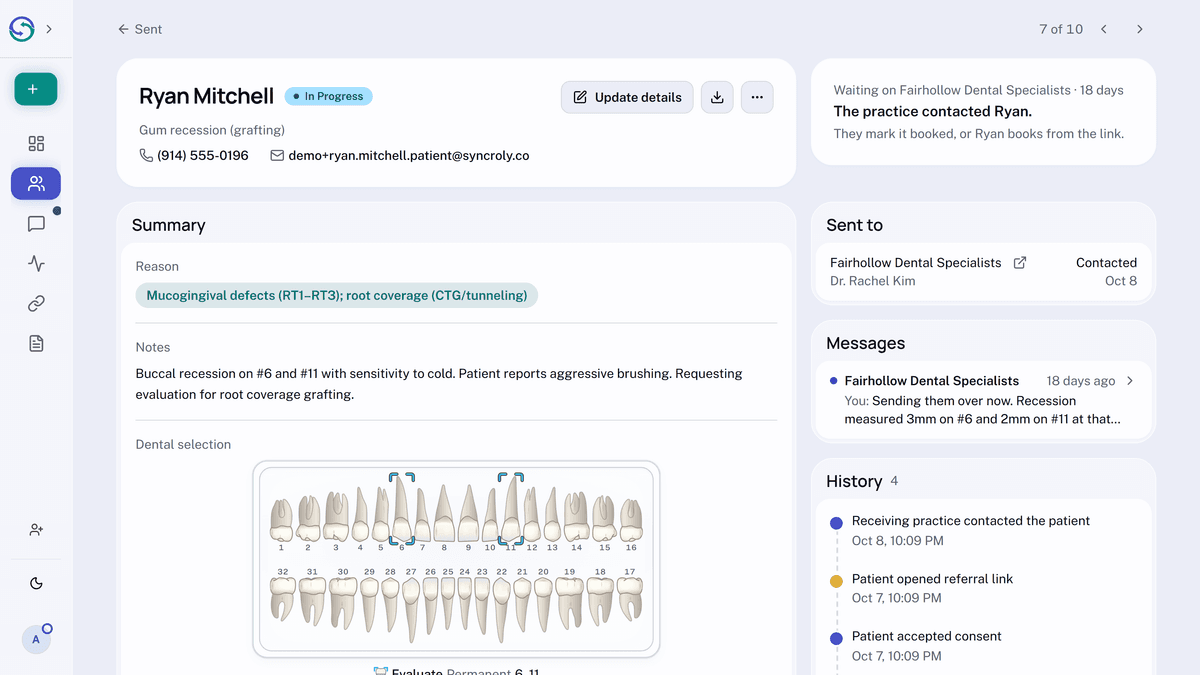
On a referral you sent, you can see where each practice stands, from opened to booked, with your messages to each one just below.
You can also move from one referral to the next without going back to your list.