Give your front desk one shared sign-in
Owners and administrators can now set up Front desk: one sign-in your front desk shares, with a four-digit PIN for each person. When someone sends a referral or messages another practice, their PIN records that it was them.
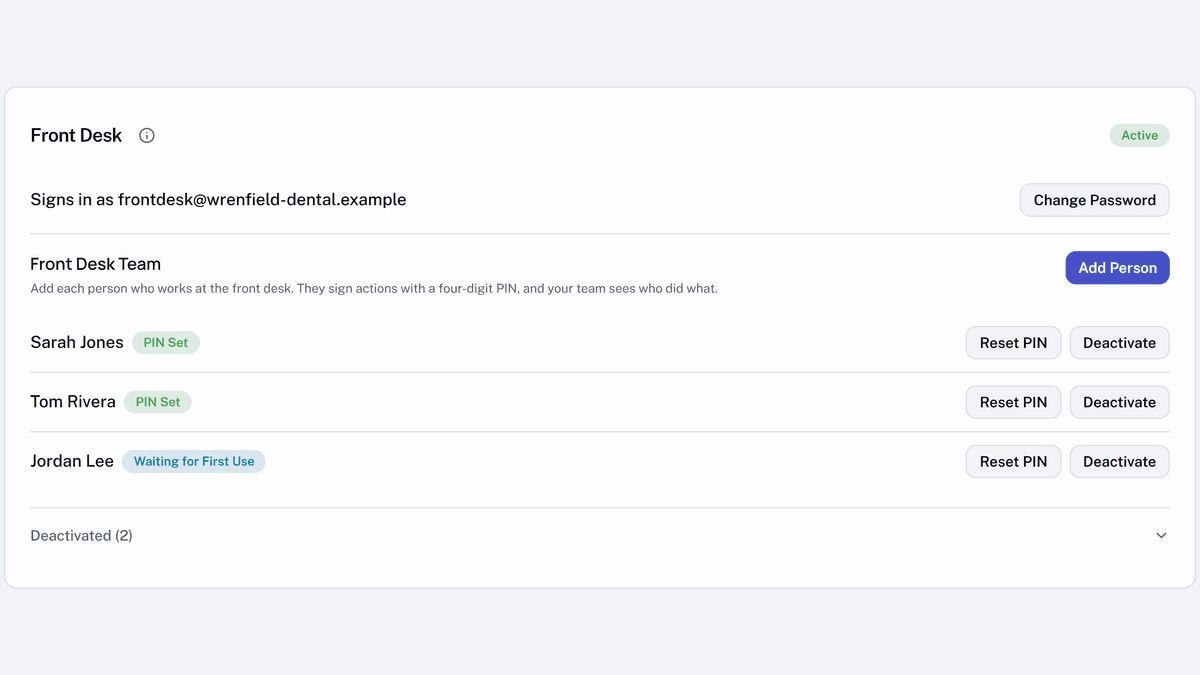
- In settings, under
Practice, openTeam Members. - In the
Front Deskcard, selectInvite Front Deskand enter the email your front desk shares. - Once someone at the desk accepts, select
Add Personfor each person and give them their temporary PIN in person.
Each person chooses their own PIN the first time Syncroly asks for it. Inside your practice, their actions show their name; other practices see Front desk at your practice.