Files now have one home on every referral
The Files card lists every file on a referral, newest first and grouped by practice, with new ones in bold. Add files any time after you send, and the practice you referred to can send files back.
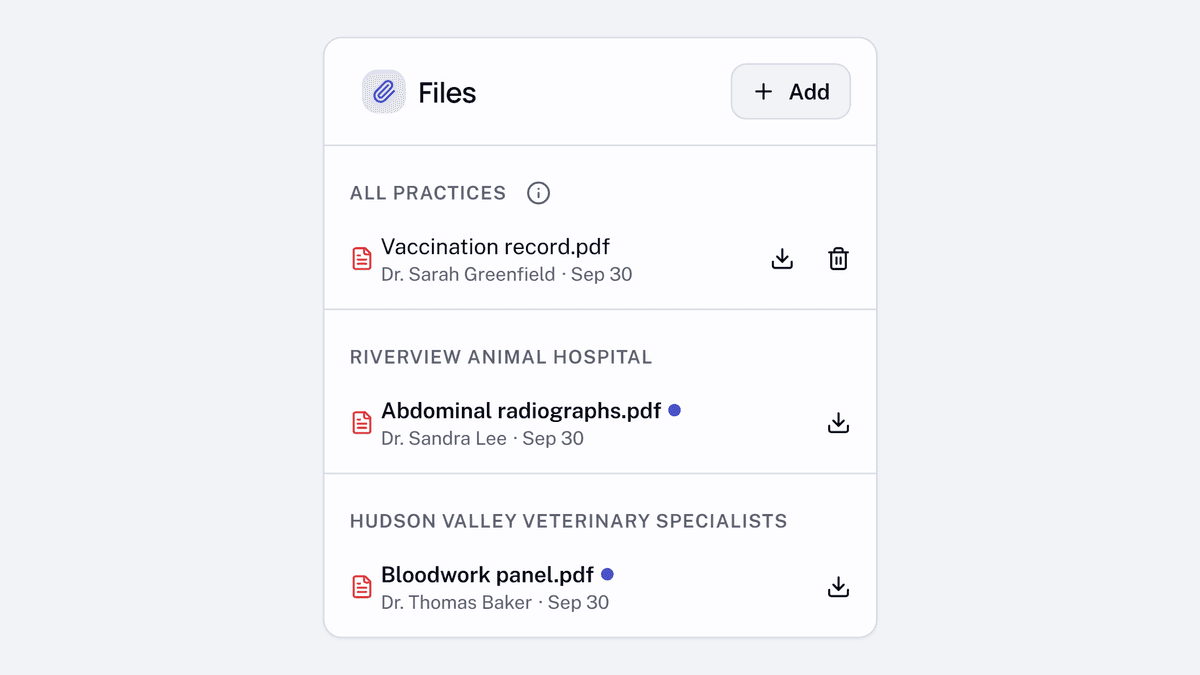
After you send a referral, use Add on its Files card to share more documents. On a referral sent to several practices, To lets you choose All practices or one practice. A practice you referred to can add files back to the same referral.
The card keeps files newest first. Files shared with everyone sit under All practices, with separate groups for files from each practice. Files from another practice appear bold with a dot until you open them, and every row has a download control.
When a practice you referred to adds files, the sending practice can get a Files added email, which you can turn off in notification settings. When you add files, the receiving practice can get a Referral updated email. You can also drag files onto a new referral before sending it.