Changelog

A facial view for the tooth chart

See the teeth from the front, in two rows with their roots.
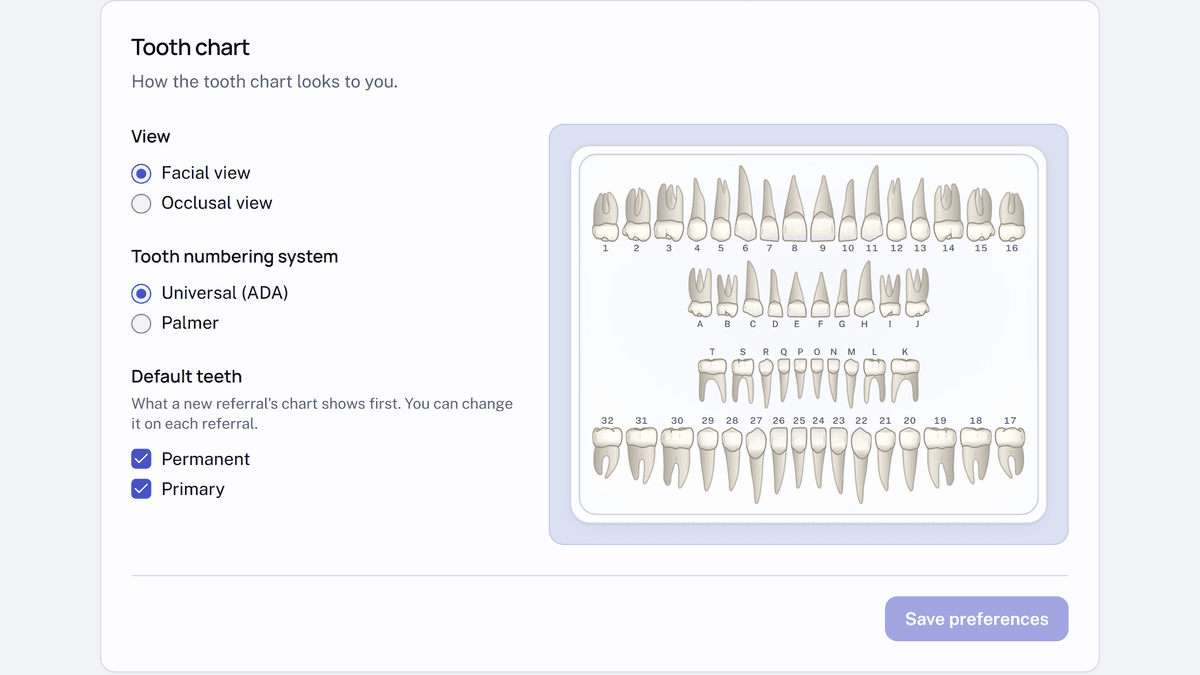
The Tooth chart card in settings, with Facial view selected under View, Universal (ADA) under Tooth numbering system, and Permanent and Primary ticked under Default teeth. Beside the options, a preview draws the teeth from the front with their roots, numbered permanent teeth in the outer rows and lettered primary teeth in the inner rows.
  1. In settings, open Display & Defaults.
  2. In the Tooth chart card, under View, choose Facial view, then select Save preferences.

It changes only how charts look to you. Your practice's public referral form now shows it too.