Tooth marks for each specialty
The tooth chart offers the marks the receiving specialty works with, and a tooth can carry two.
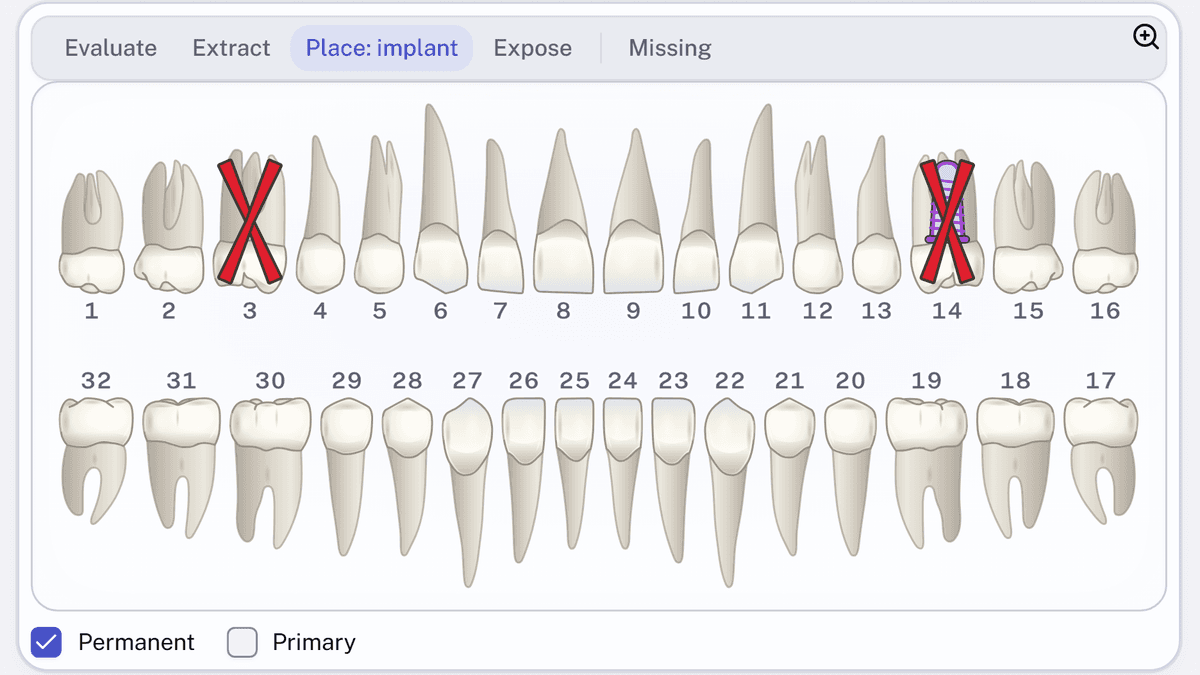
- Pick the specialty you're referring to. The toolbar above the chart shows its marks, with
Missingat the end. - Choose a mark and select each tooth it applies to. Ticking a reason chooses its mark for you.
Marks that go together, such as Extract and Place: implant, can share a tooth.