Choose a practice, and a provider too if you want one
You now choose a practice for each referral, and you can also choose one of its providers. The practice receives the referral either way, and so does the provider if you chose one.
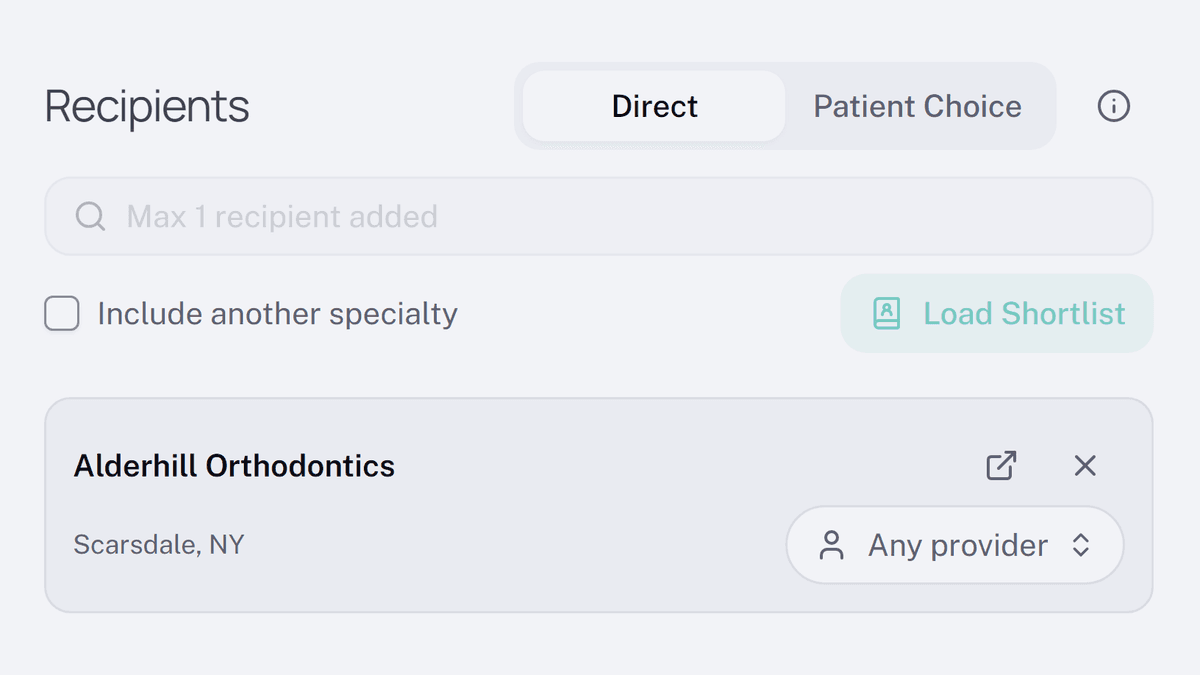
Search now shows each practice once, and a practice already on the referral reads Added, so you can't add the same one twice. Select a practice to add it. If you type a provider's name, they show up under their practice, and selecting them adds the practice with that provider chosen.
Each practice you add has a chip that reads Any provider. Leave it, and the practice receives the referral. Select the chip to pick one of the practice's providers, and the practice and that provider both receive it. A provider marked Not accepting referrals cannot be picked.