Conversations that are easier to find and follow
Messages now lists your conversations by practice or by date, and one search finds patients, practices and providers. Each conversation opens at its latest messages and shows when your latest message has been seen.
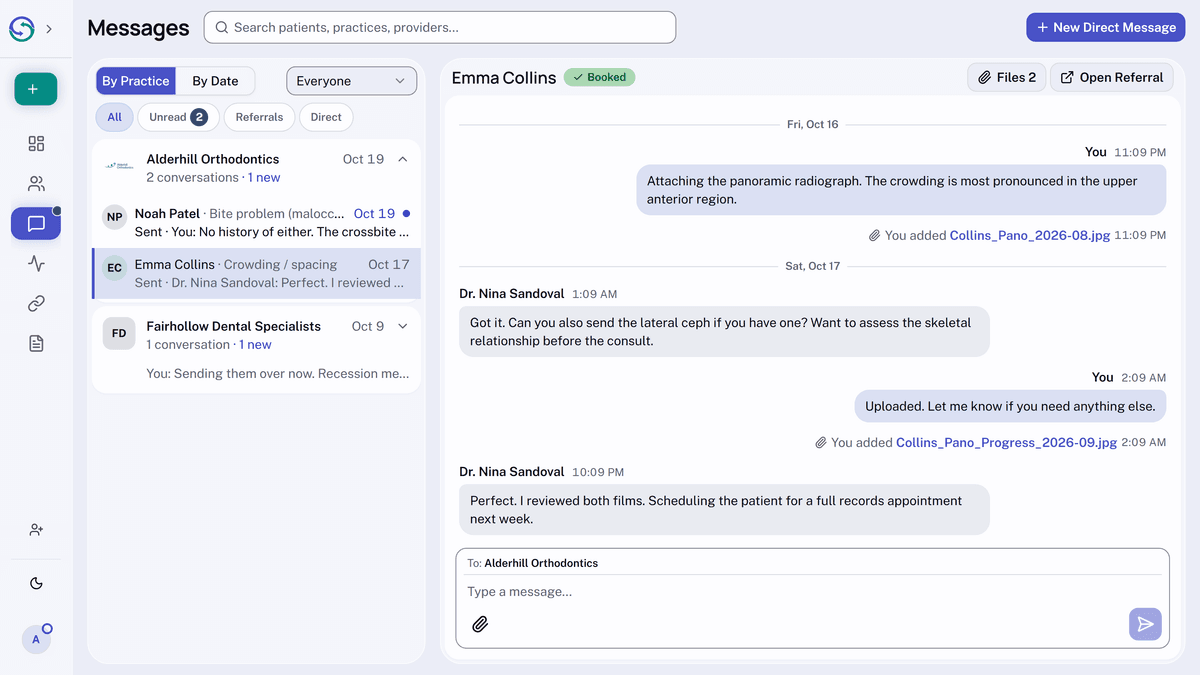
At the top of the list, choose By Practice to group conversations under each practice, or By Date to see them newest first. Picking a patient in search opens that referral's conversation, even if nobody has written yet.
To read further back, select Load Earlier Messages. Under your latest message, Sent turns to Seen with the time once the other side has seen it. To share a file, drop it onto the conversation or paste it into the message box.